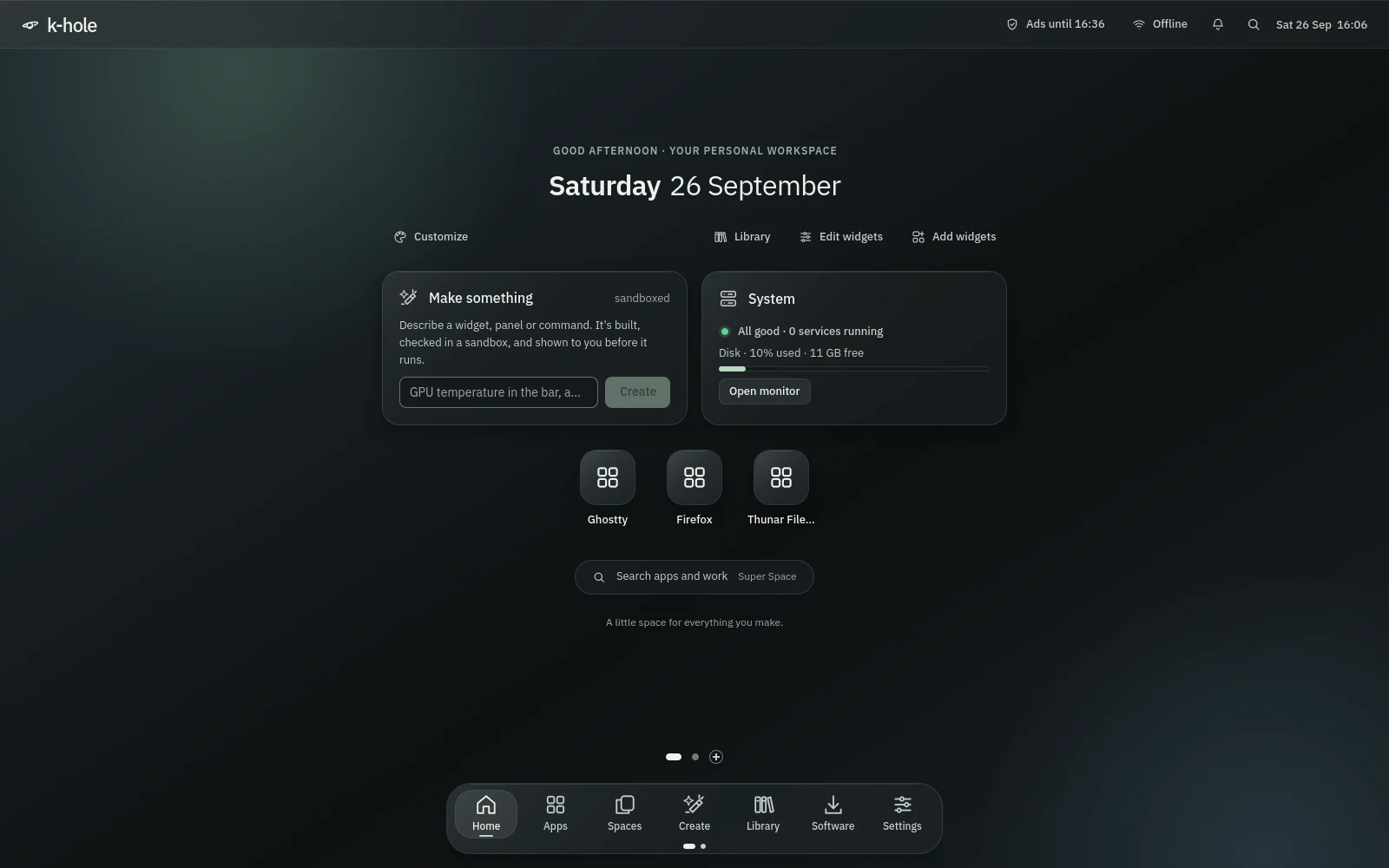
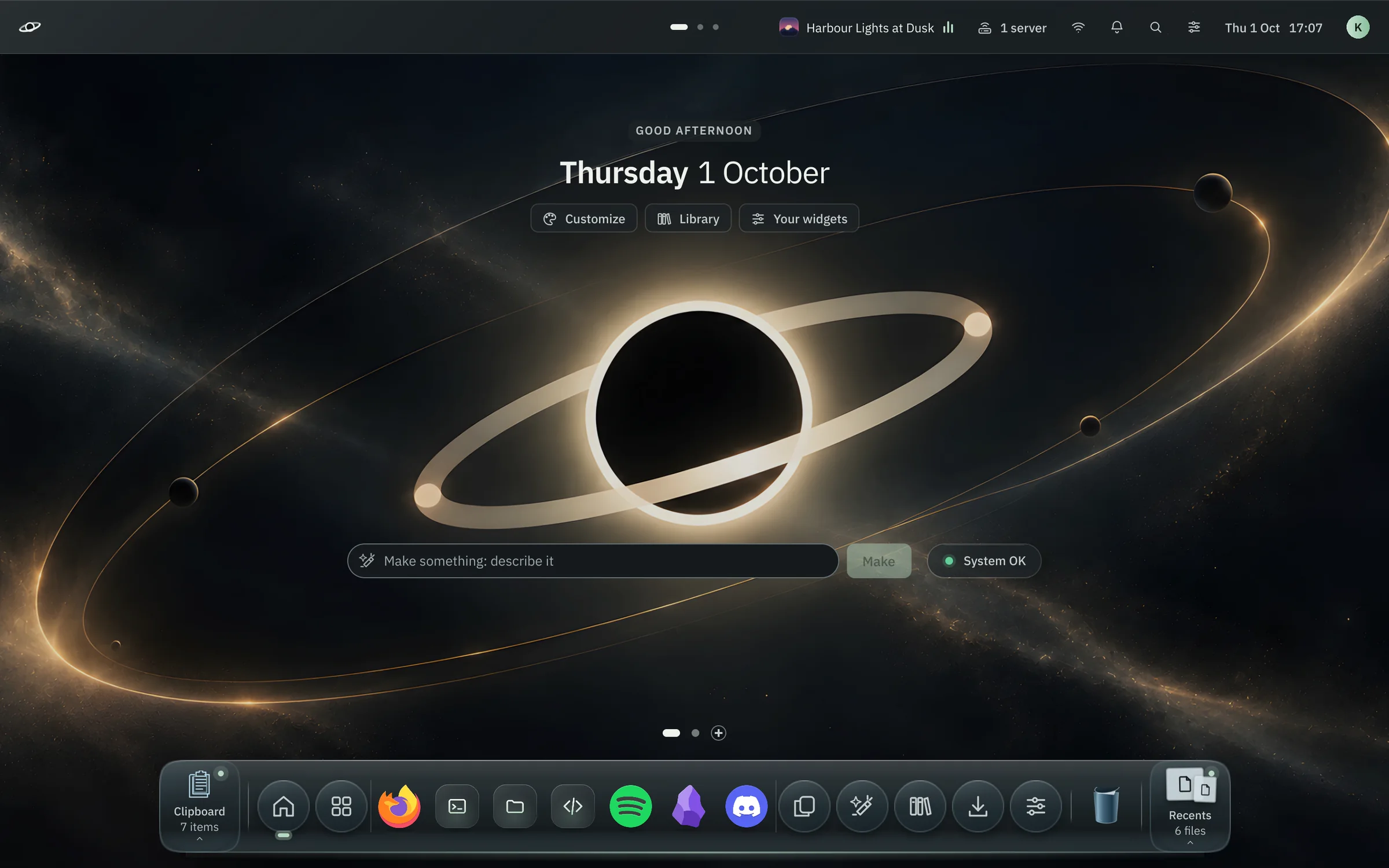
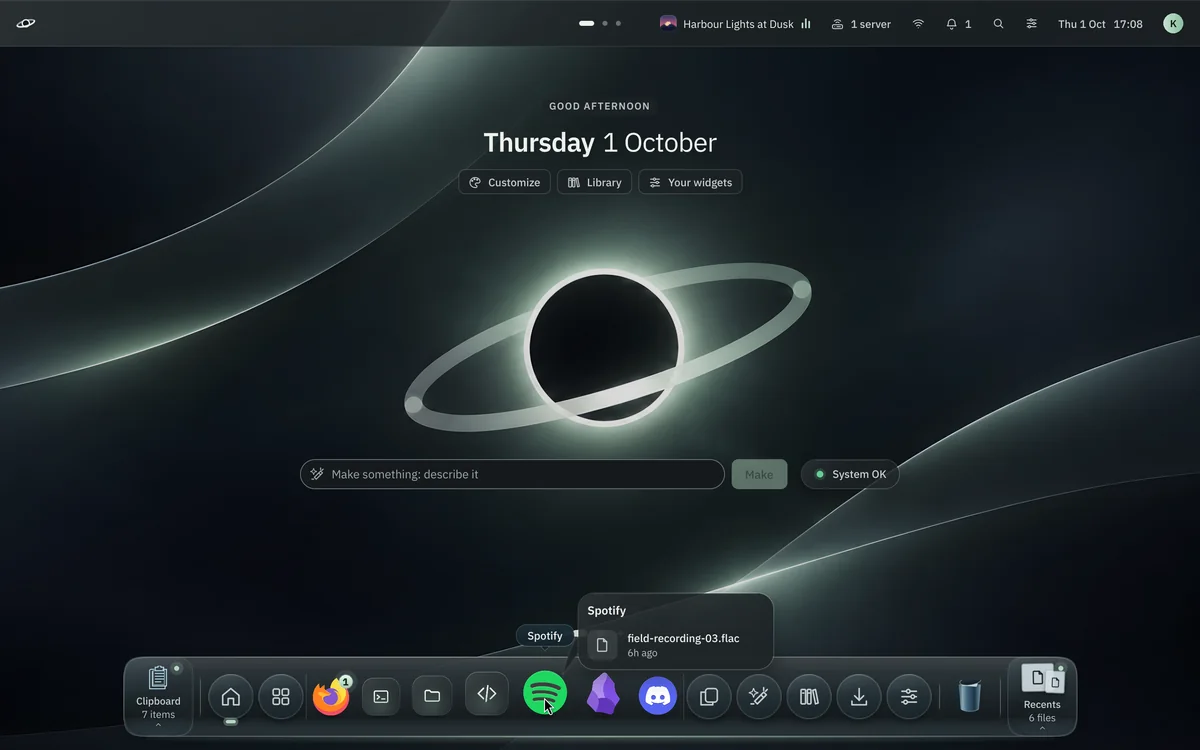
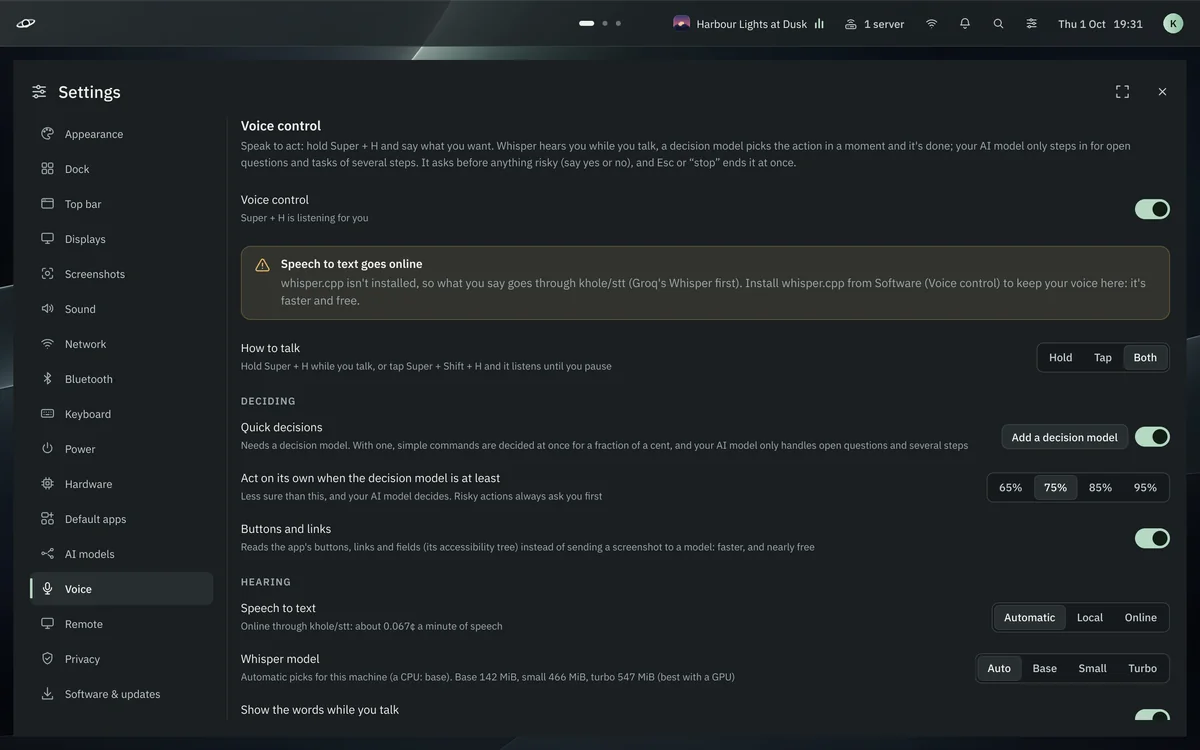
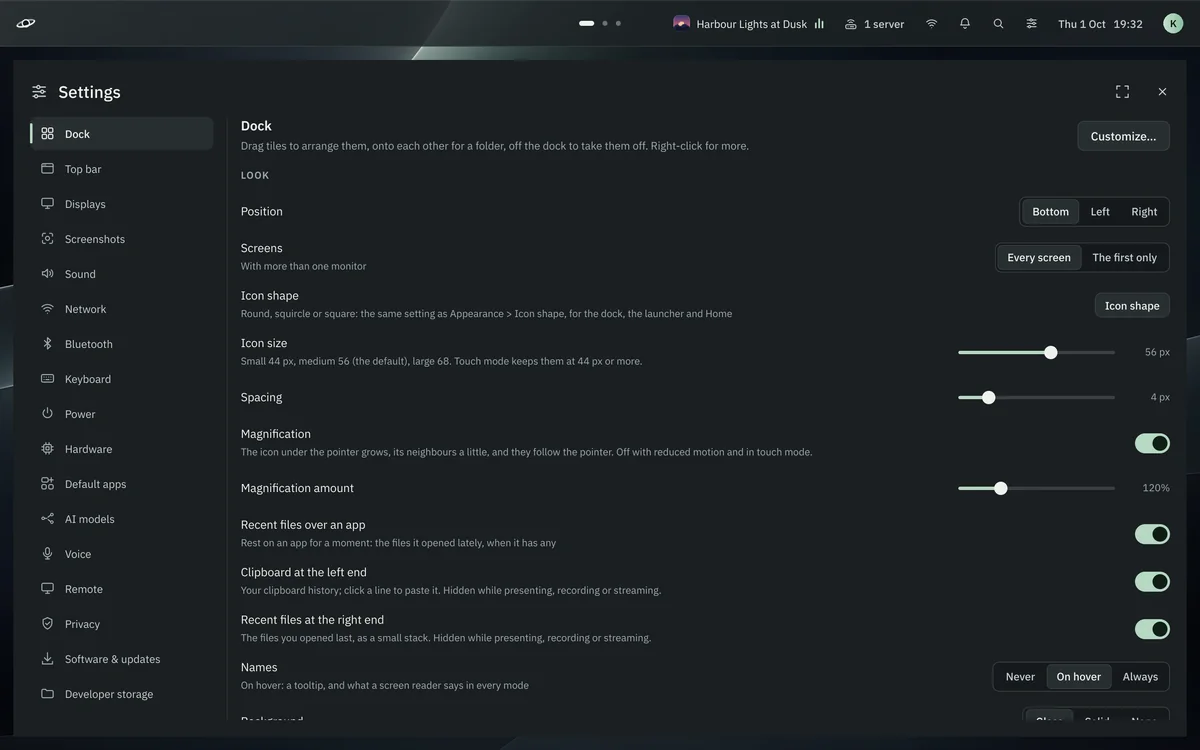
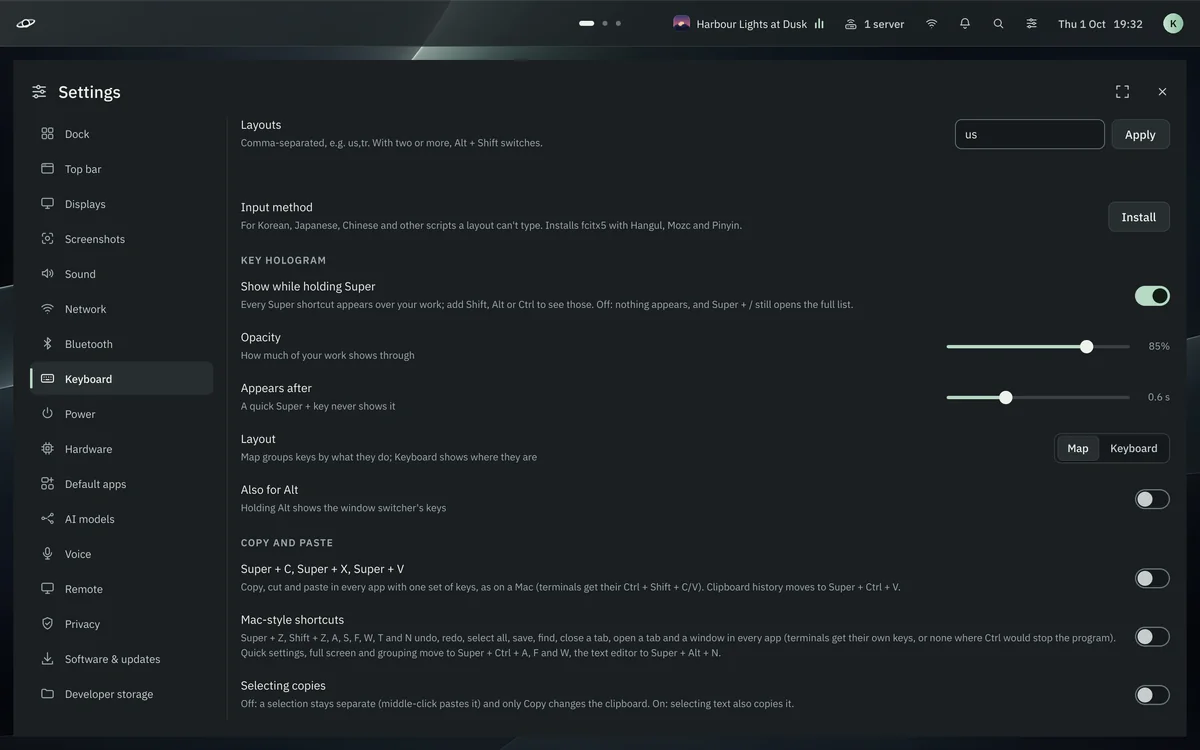
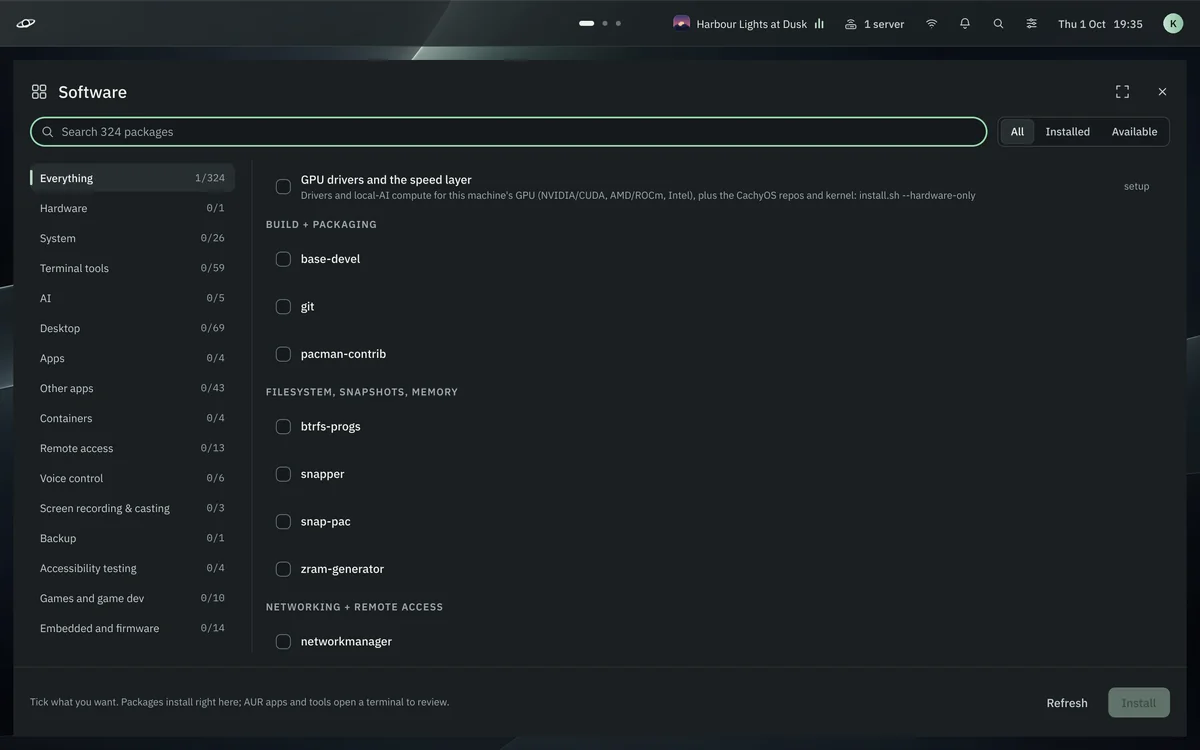
Every screen on this page is the real k-hole desktop, captured from the shell itself. Click around, press the keys it answers to, or take the same tour it gives you on first login.
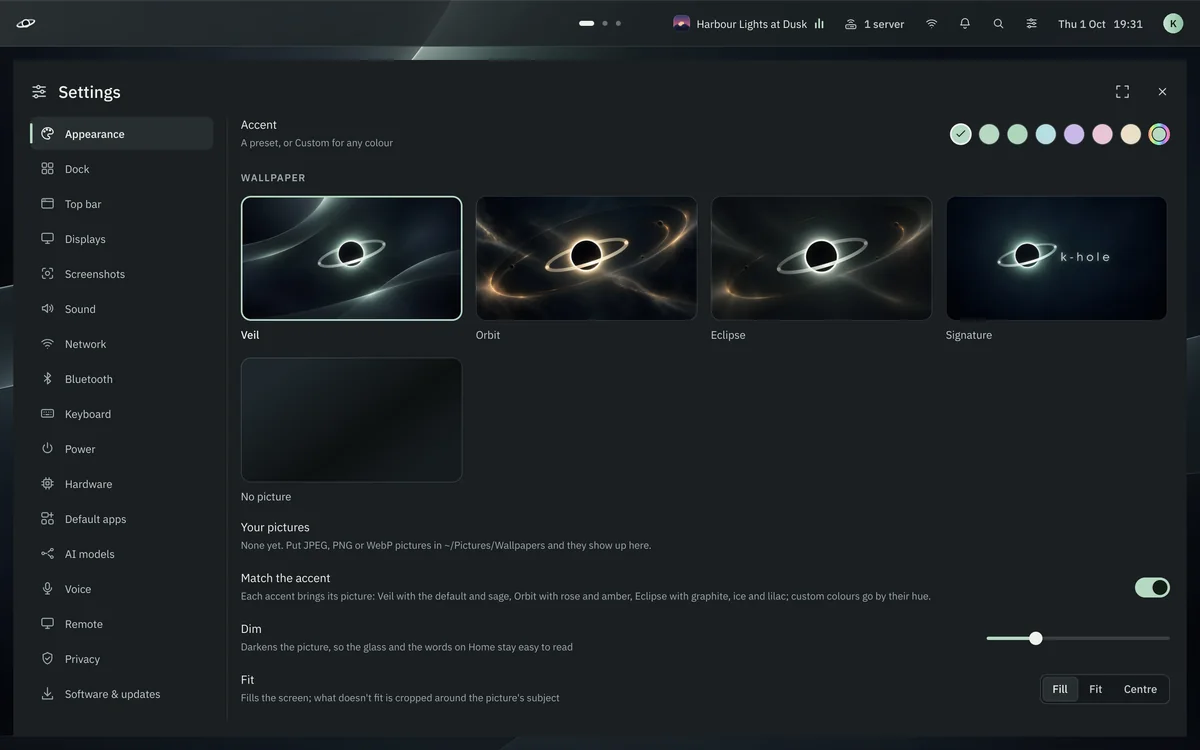
Four wallpapers made for it and seven accents, carried everywhere: the bar, the dock, the terminal, GTK and Qt apps, the lock screen. Each one here is the desktop itself, switched live.
Voice
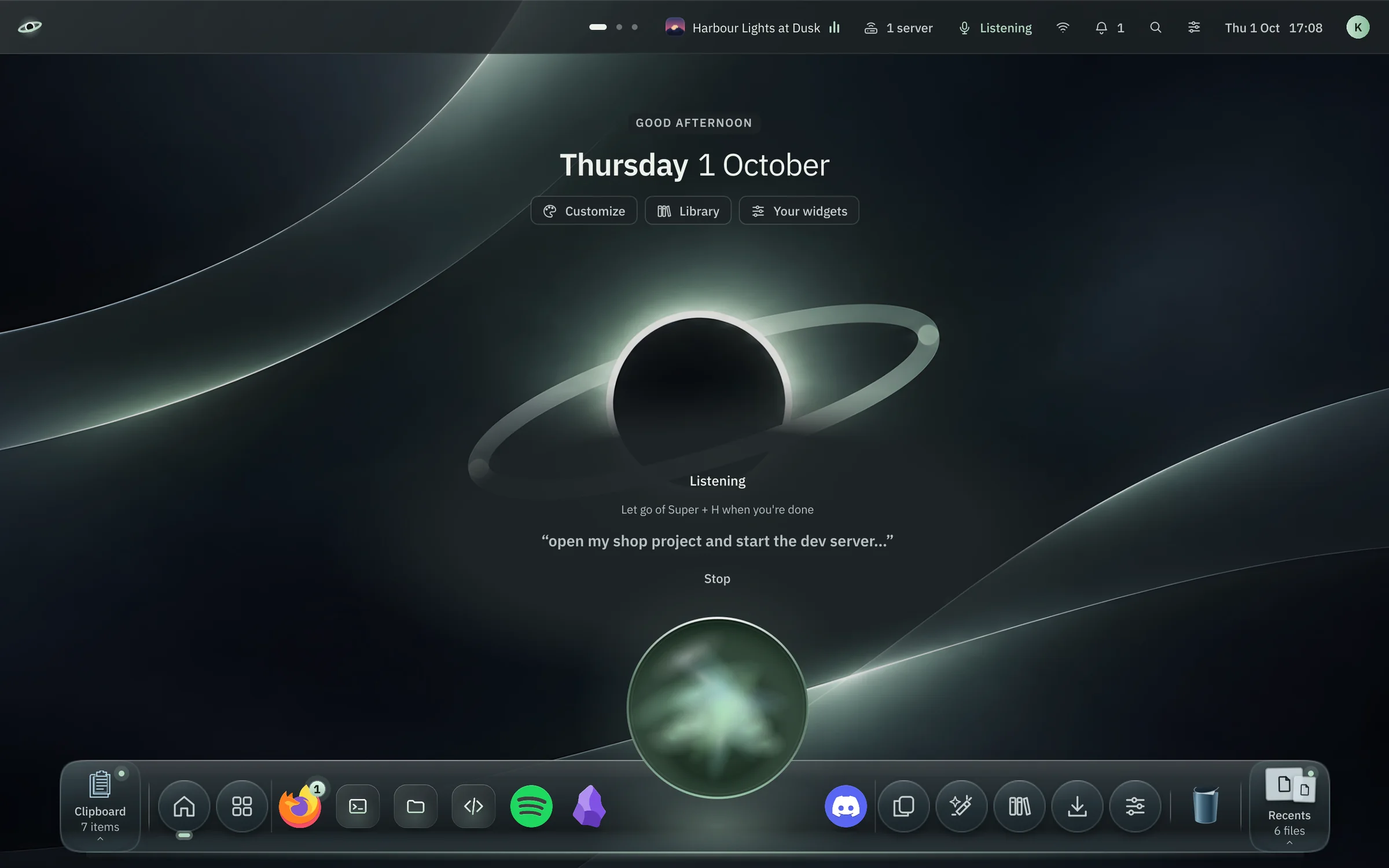
Hold a key. Say it. Let go.
Super+H wakes a halo over the dock. Whisper hears you while you talk; a decision model picks the action in a moment and does it, and your AI model only steps in for the hard ones. Anything risky waits for your yes.
Answers come back in a voice made on your computer.
Agents
Your coding agents. On your desk and in your pocket.
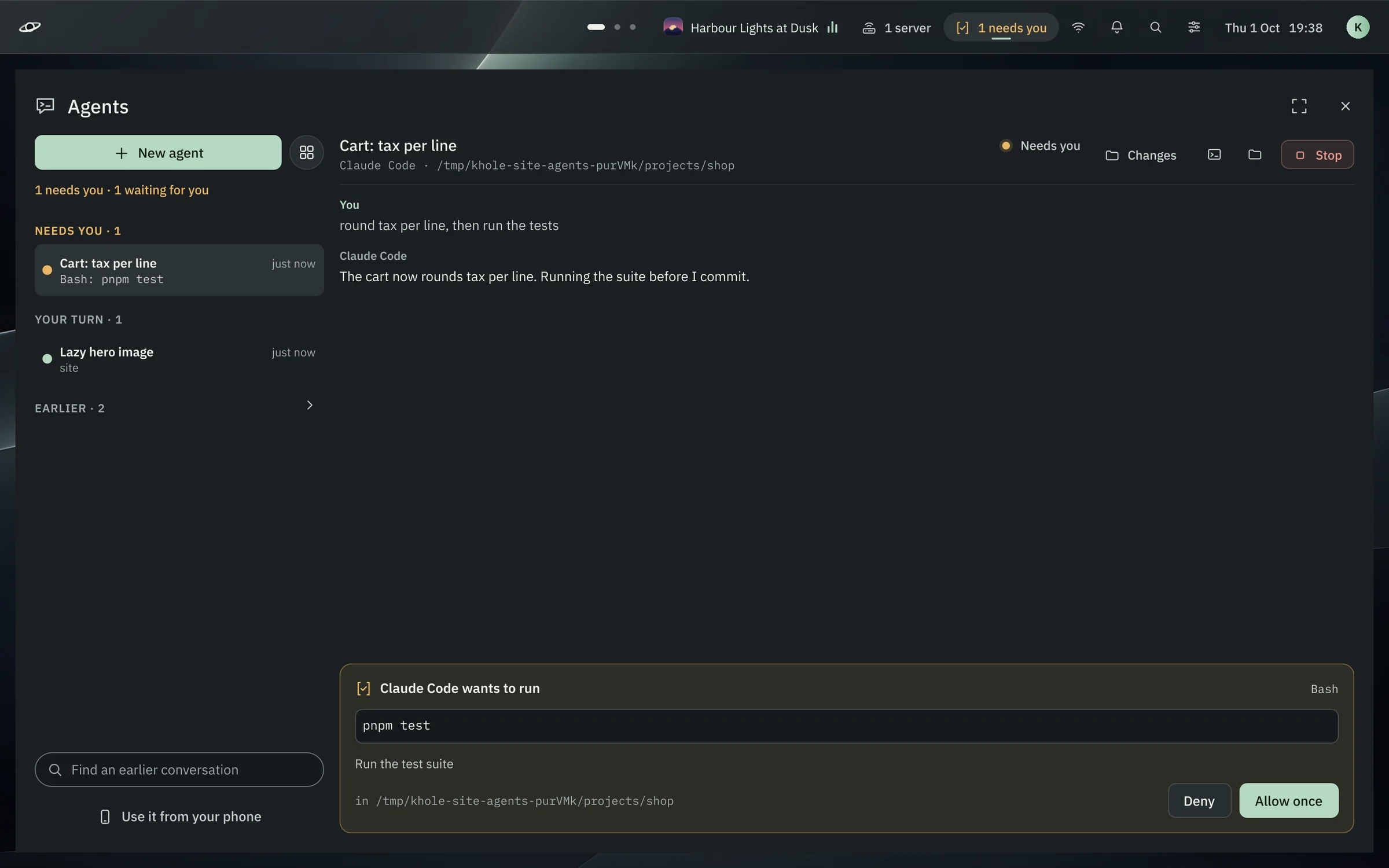
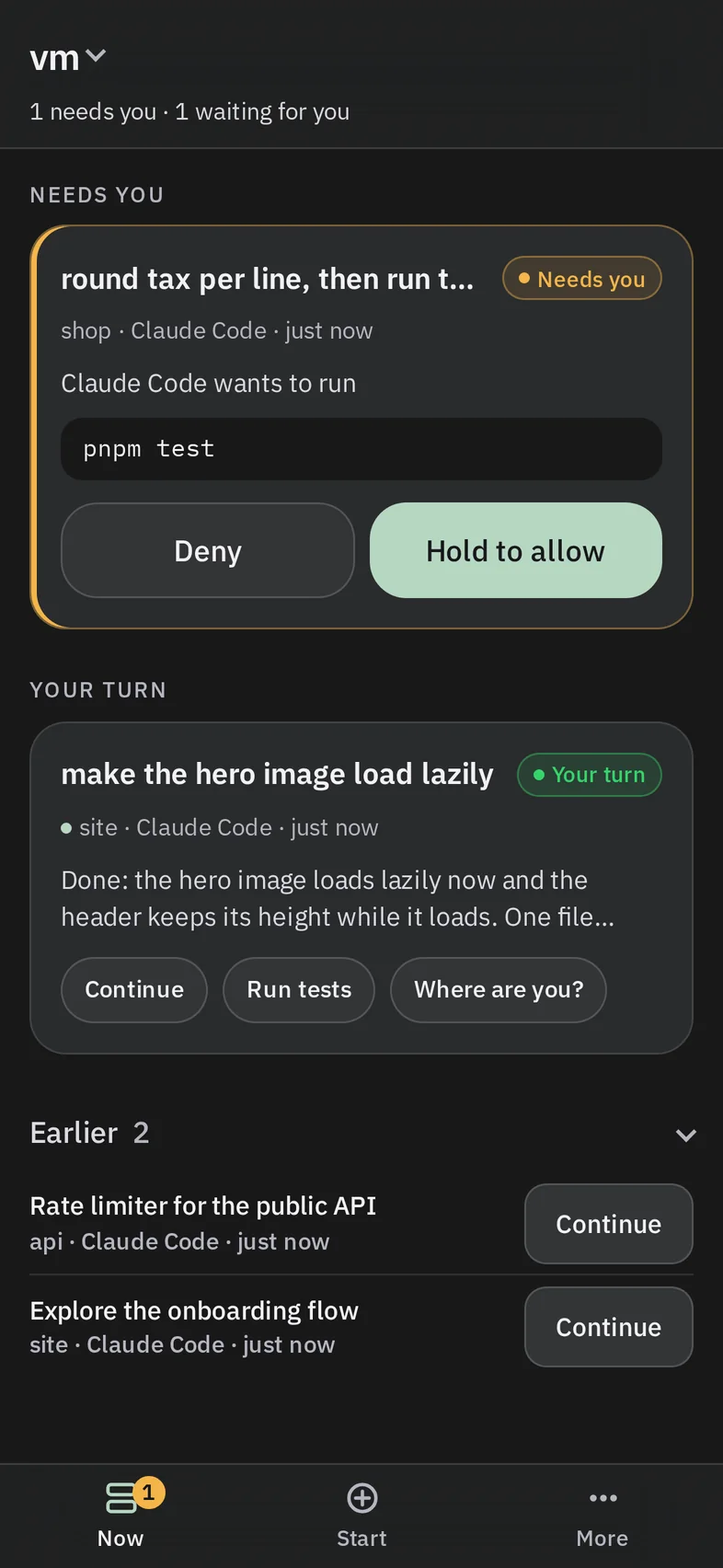
Claude Code and Codex run in your projects on your computer. The Agents app lines them up by who needs you; the phone remote answers them from anywhere over Tailscale. No chat to type into: allow, deny, a quick reply.
Super+Shift+A opens it; the bar's pill counts who needs you.
Changes shows the diff before you say yes. Ctrl+Enter allows, Esc denies.
Your phone pairs once with a code; revoking it closes its stream at once.
k-chain
A companion on your desk. Chained to k-hole.
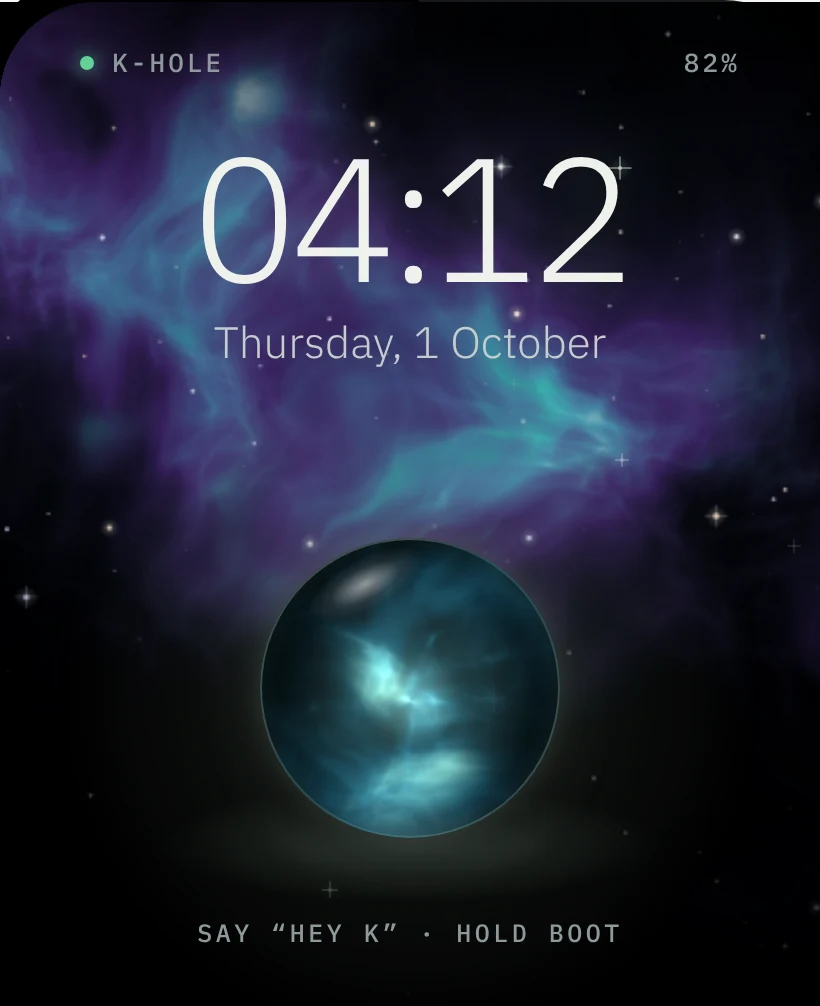
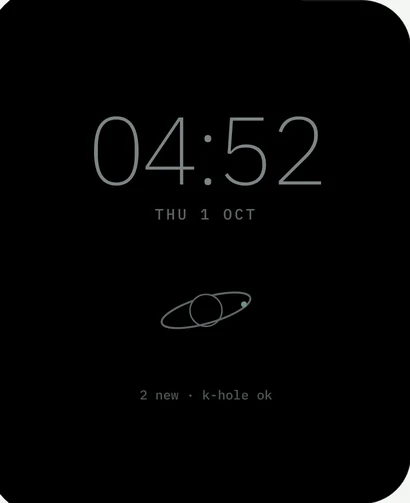
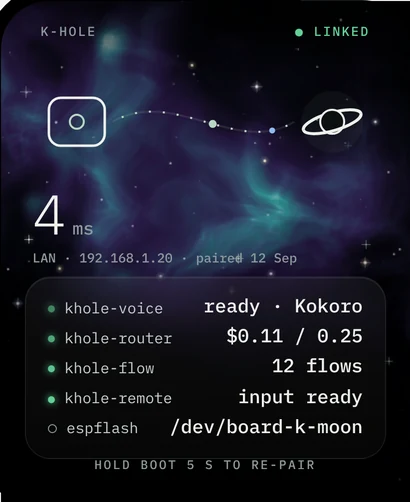
A small AMOLED device that stands beside your keyboard and talks to your k-hole desktop. It wears the same glass halo as Super+H, floats it on a living nebula, answers your coding agents from across the room and doubles as a remote for the desktop.
The Super+H halo, given a body
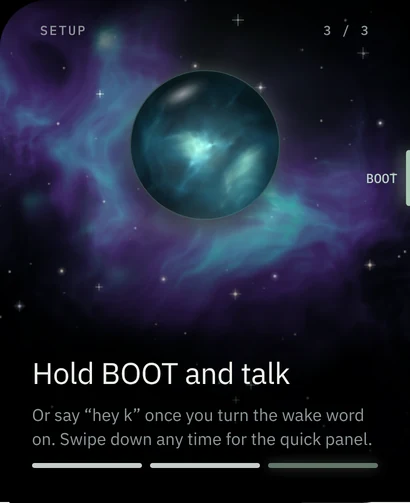
Hold its BOOT key and talk. k-hole hears you, decides, and answers on the glass and out loud, phase for phase as on the desktop.
Around the screens
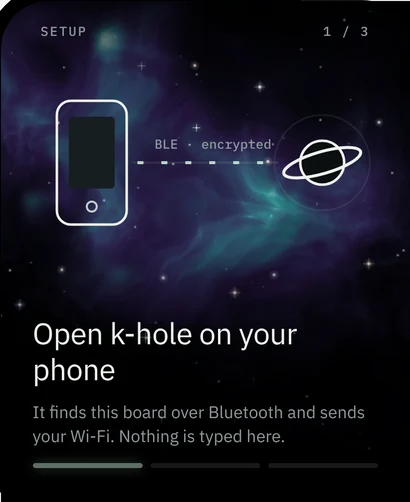
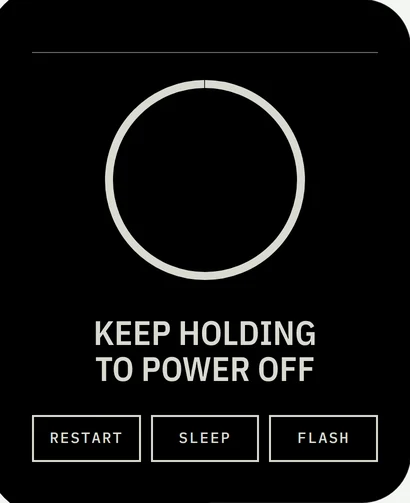
First start, power, settings and updates, drawn in the same language: rings, orbits and the moon do the animating; sage means healthy, amber means it needs you.
Boot The mark builds itself, then the name types in.
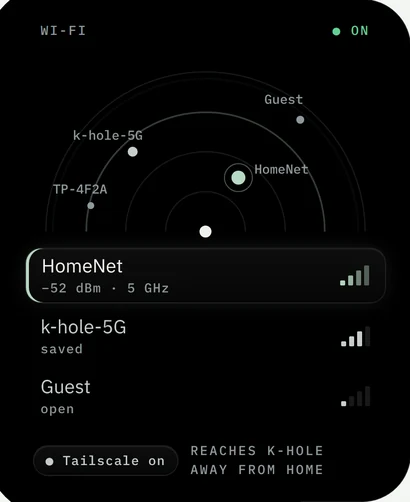
Wi-Fi from your phone No keyboard on a 2-inch screen: your phone sends it over encrypted Bluetooth.
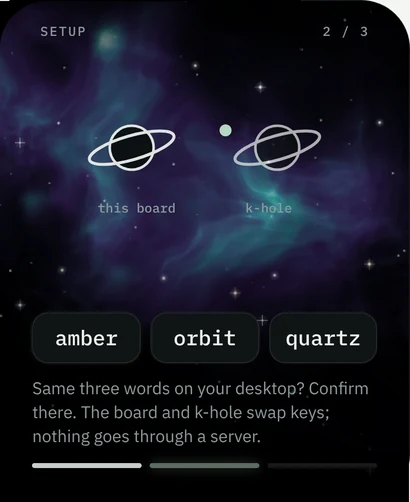
Pair with k-hole The desktop shows the same three words; the moon passes between the marks.
Ready The BOOT key pulses: the one gesture that matters.
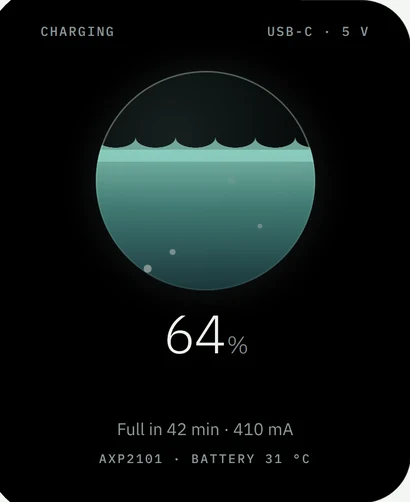
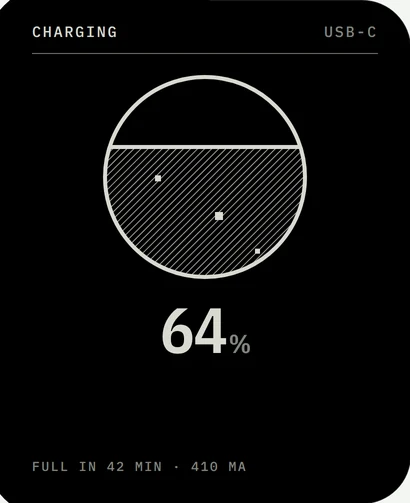
Charging The orb fills with gas to the charge level.
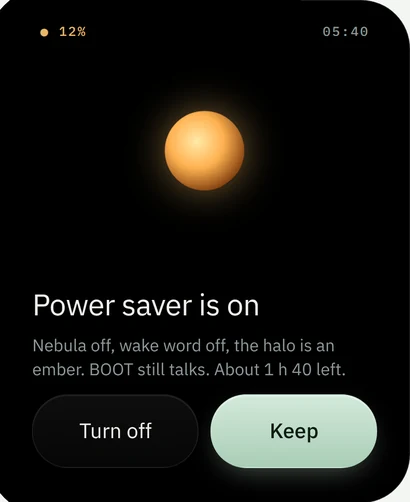
Low battery At 15 % the halo becomes a slow amber ember. One buzz, not a nag.
Always on Under 5 % of pixels lit, drifting against burn-in.
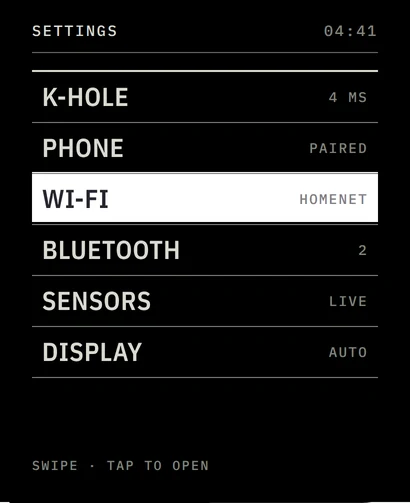
Wi-Fi Networks land where their signal puts them; nearer is stronger.
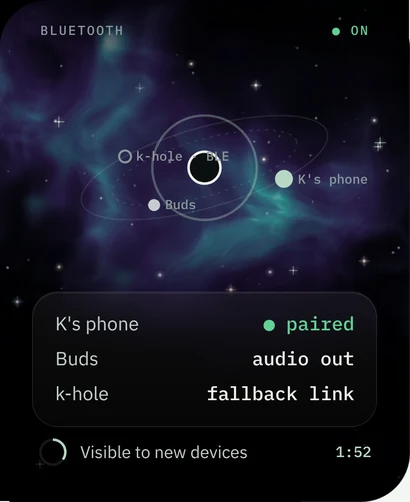
Bluetooth Paired devices orbit the board on the mark's rings.
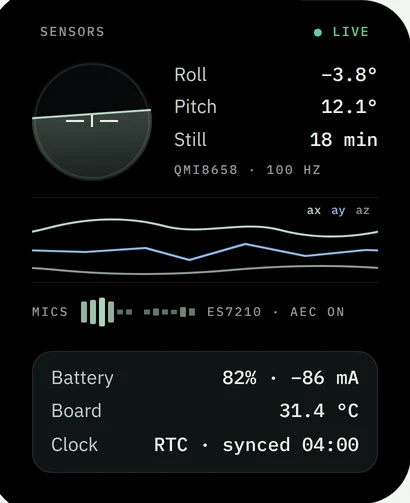
Sensors Every part on the board, live: the IMU, both mics, the battery.
k-hole link Each k-hole service the companion talks to, with its state.
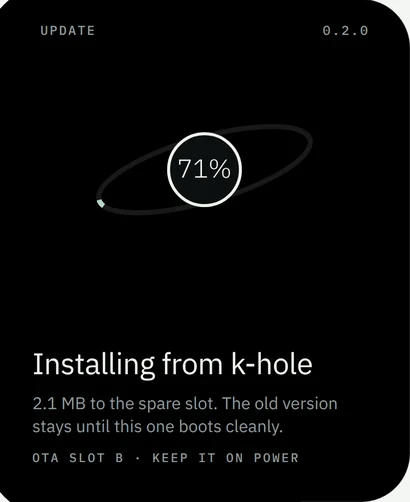
Update Into the spare slot over your network, never over the old one.
Two-tone
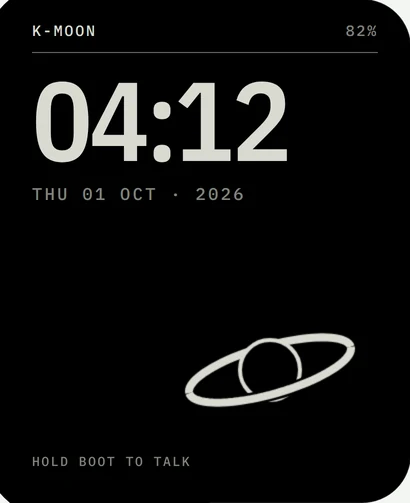
The same companion with no glow, gradients or blur: light as 1-bit stipple, shapes as hard lines, like a printed plate. A fraction of the memory and power, and it would run on e-paper.
Clock
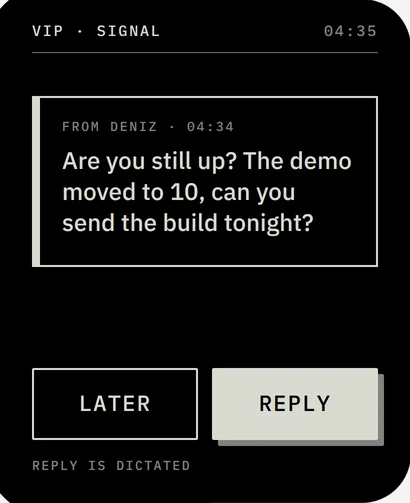
Approval
Notification
Settings
Charging
Power menu
Six faces
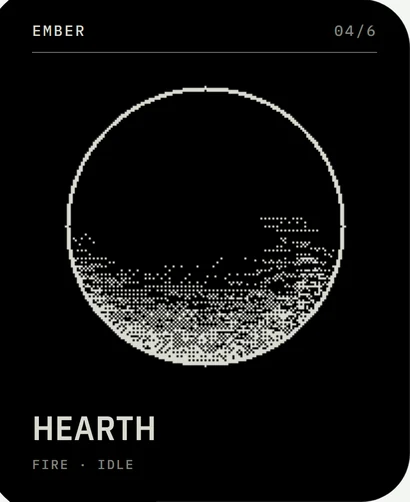
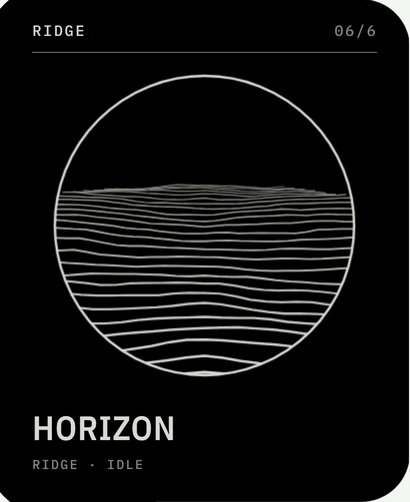
Each a different kind of thing, each answering listening, thinking and speaking in its own way, all one bit and drawn on the board's own processor.
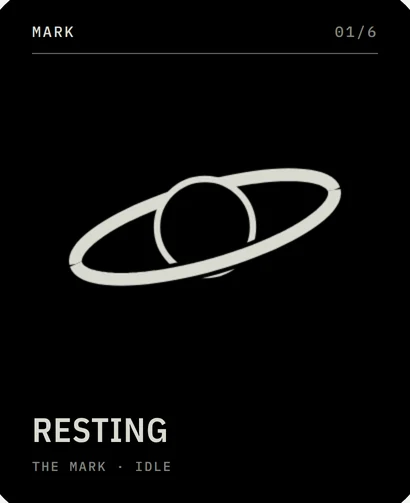
Mark The k-hole mark, playing the desktop's own animations.
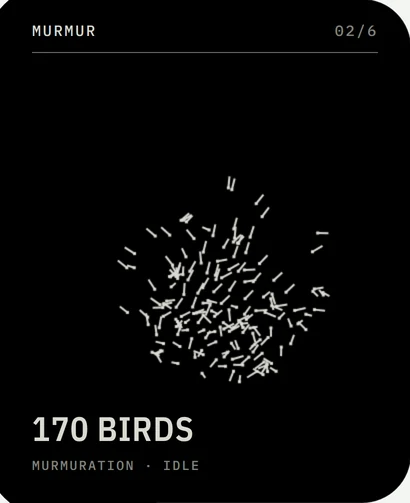
Murmur A flock of 170 birds that gathers when you speak.
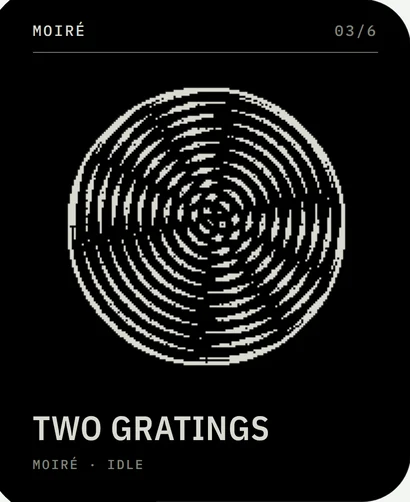
Moiré Two ring gratings; the picture is their interference.
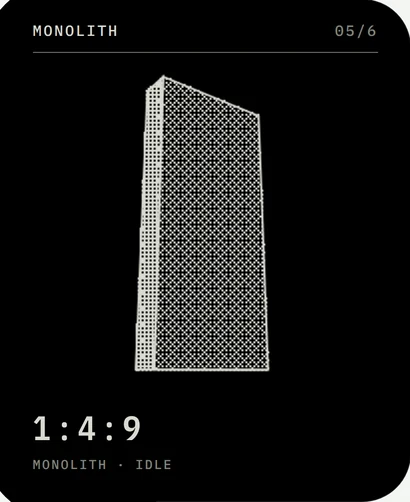
Monolith A slab turning in the dark, edges hard.
Ember A fire in a round hearth, climbing with your voice.
Ridge A landscape whose ground rises as you talk.
Things only a k-hole companion would do
For coding
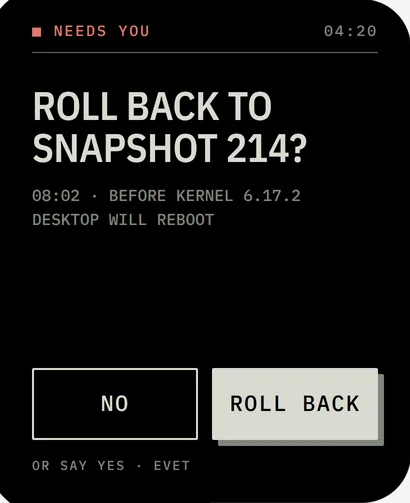
Agent approvals. Claude Code or Codex waiting on a yes shows up on the board: Deny, or hold to allow. Allowing is never a voice command.
Long-command buzz. A terminal command that runs past 30 s buzzes when it ends: two taps for success, one long for a failure.
Dictate a commit message. Speak it, read it back, typed into the focused terminal.
For the AI stack
Budget in the glow. The halo cools from sage toward amber as the day's AI spend nears your budget.
Local only, one tap. Nothing leaves the machine, and the halo shows a small lock.
Commands that work offline. Timers, the time and brightness run on the board even with the computer away.
For the system
Desktop lost. No heartbeat after an update: wake it over the network, or boot the last good snapshot.
Gestures that run workflows. Face down holds Do Not Disturb, a double tap pauses the music, a shake locks the computer.
Paired like your phone. The PIN k-hole shows, and the desktop's certificate pinned; never an unverified link.
For the room
Call mode. A real mute button for the desktop's microphone and an on-air light.
Focus light. While Focus runs, the halo glows steady so people know not to interrupt.
Bilingual. English and Turkish yes and no, as k-hole's voice already understands.
No keyboard needed
Hold BOOT
Talk, like holding Super+H
Lift
Wake the screen
Tilt
Move the desktop pointer
Face down
Do Not Disturb on the desktop
Shake
Cancel, or lock the computer
Swipe
Halo, Spaces, flows, remote
Long-press
Talk, anywhere on the screen
Buzz
One tap needs you, two done, long failed
These are the screens and plans of k-chain's design. Its firmware, k-moon (its own C on ESP-IDF, LVGL for drawing, the nebula composited on the chip), runs them in Espressif's emulator today; the first build on the Waveshare ESP32-S3 2.06-inch AMOLED board is next.
Shortcuts
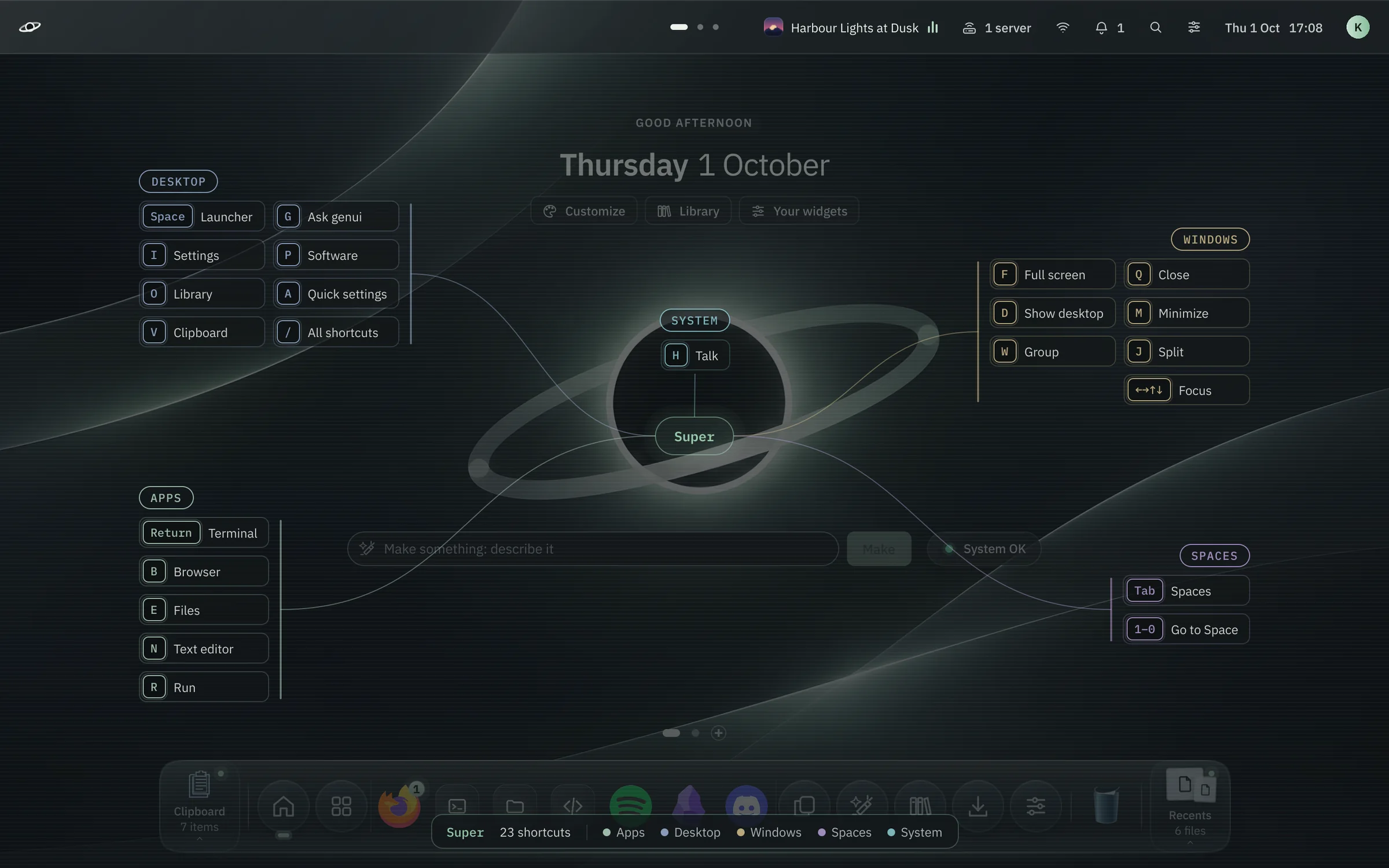
Forget a shortcut? Hold Super.
Hold the key for a moment and every shortcut on it appears around the screen, grouped by what it does. Add Shift, Alt or Ctrl while you hold and the map changes with you. Let go and it's gone.
Getting around
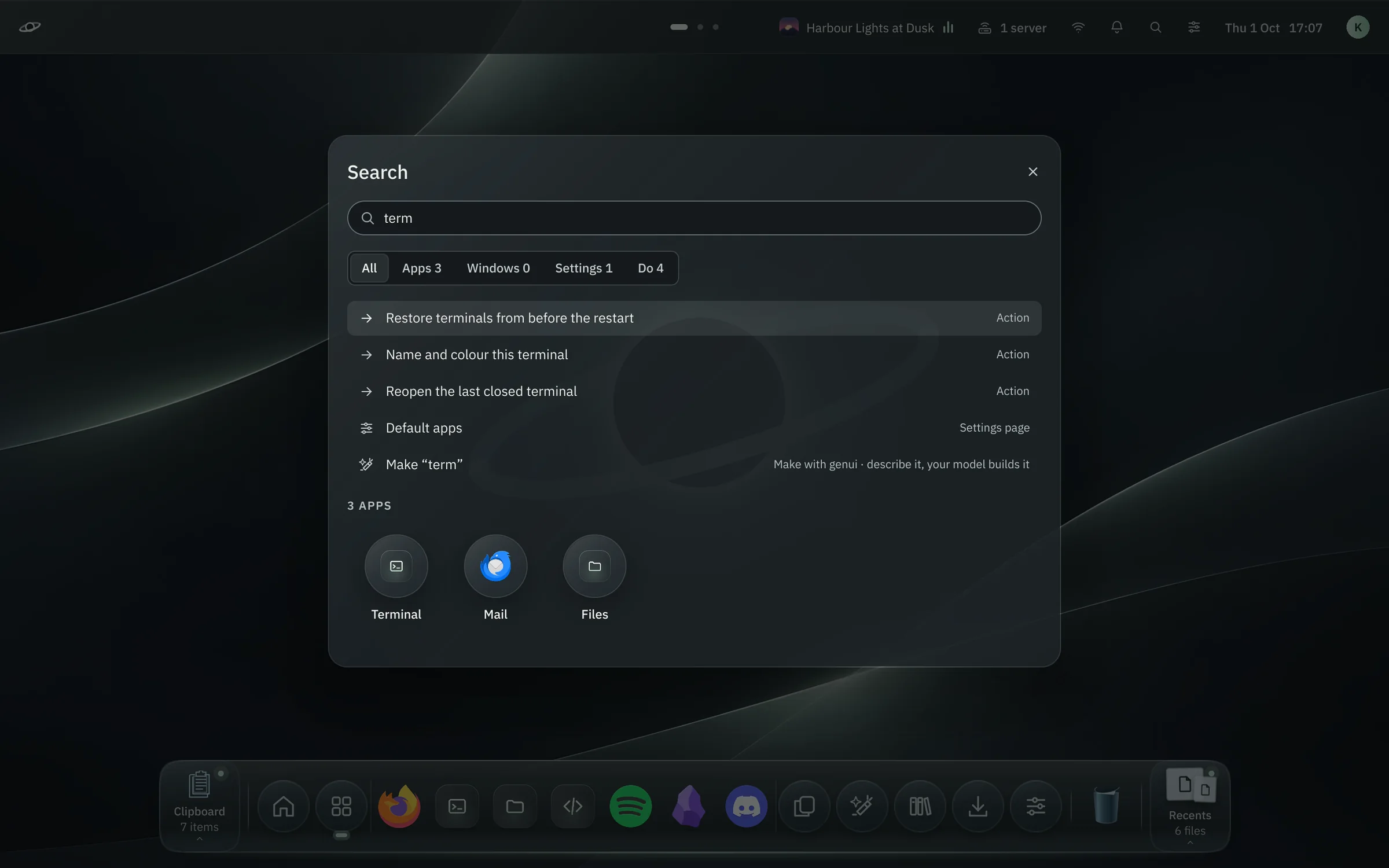
One key for everything. Nothing in the way.
Super+Space: apps, windows, Settings pages, actions and a calculator, ranked by what you use.
The Library
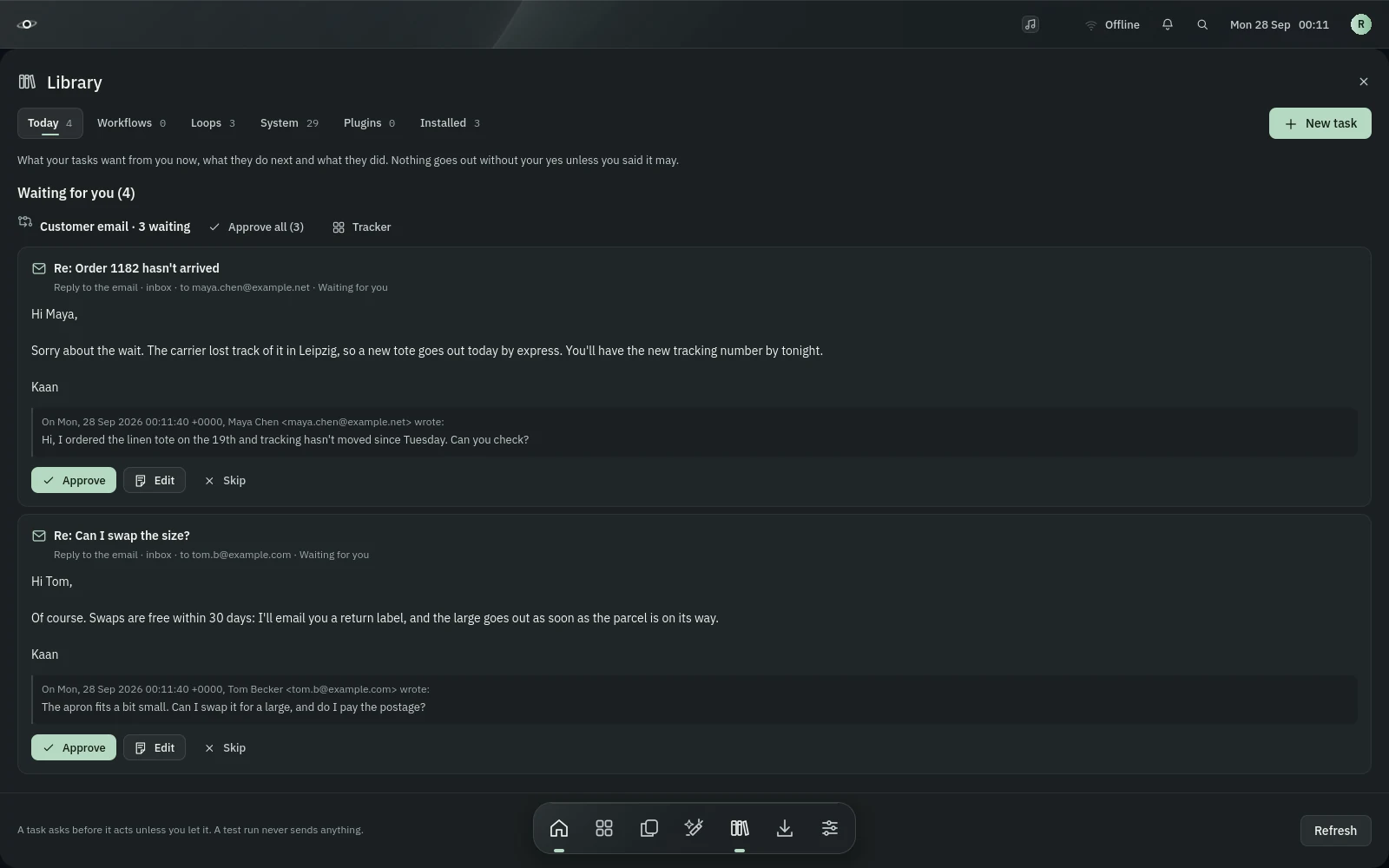
Describe a job. It does it while you work.
“Every morning, check the news about solar panels and make me a note.” k-hole builds the workflow, tests it on real data, says what it costs a month and asks before anything leaves your computer. Drafts wait for your yes.
Plain words for every permission, before you turn it on.
Sample tasks made by the real engine against stand-in mail servers and a stand-in model.
Generative UI
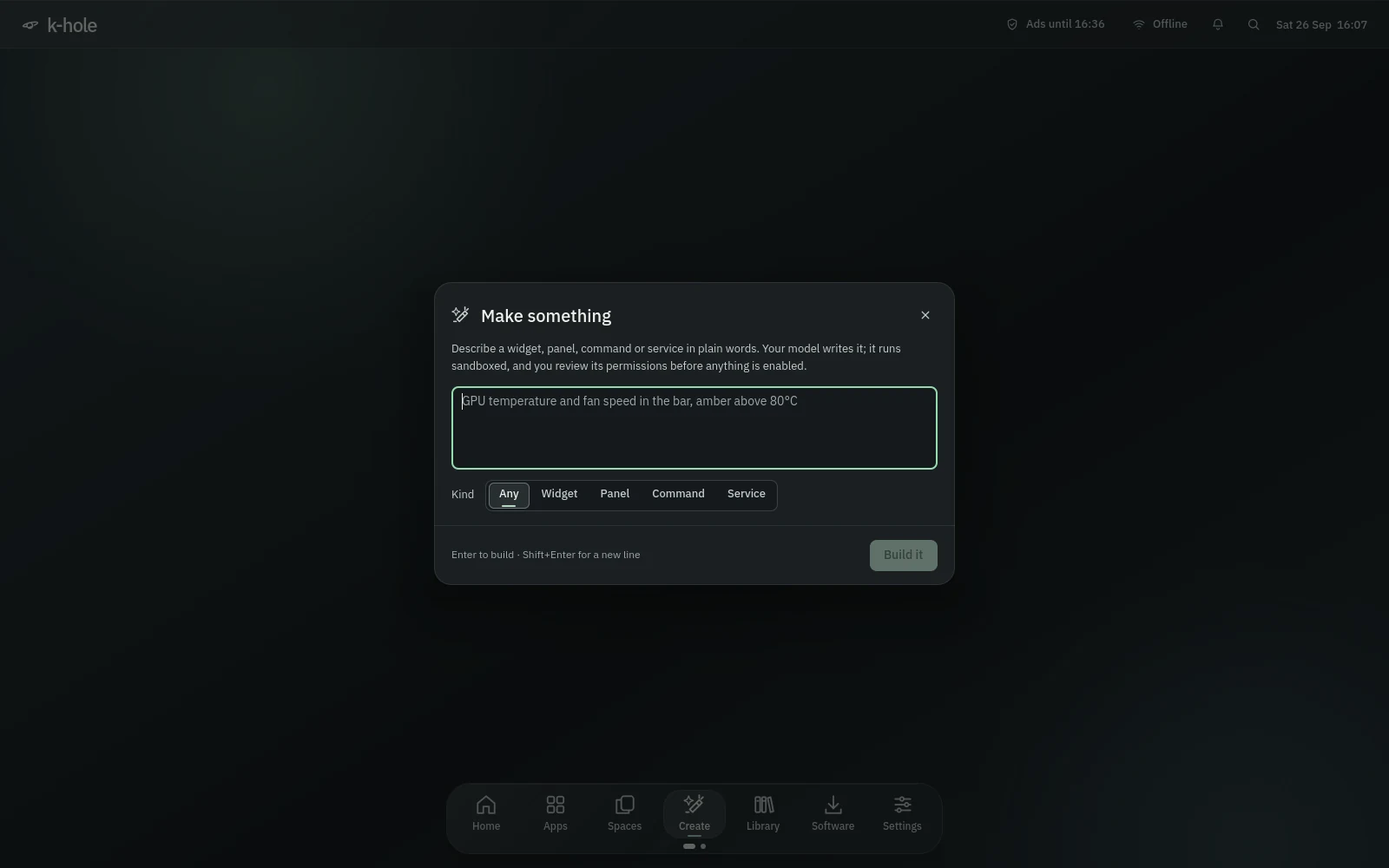
Need a widget? Say what it shows.
Connect your own model, write “GPU temperature in the bar, amber above 80°C”, and k-hole writes the plugin, checks it in a sandbox and shows you exactly what it may read, write and reach. Nothing runs until you approve it.
bubblewrap, no network unless you allow it, a memory and process ceiling.
Fourteen ready-made plugins in the Library to start from.
And everything around it
The parts you'd build yourself, built in.
A dock that keeps your place
Clipboard history at one end, recent files at the other, the apps you use in between. Rest on an app for its recent files.
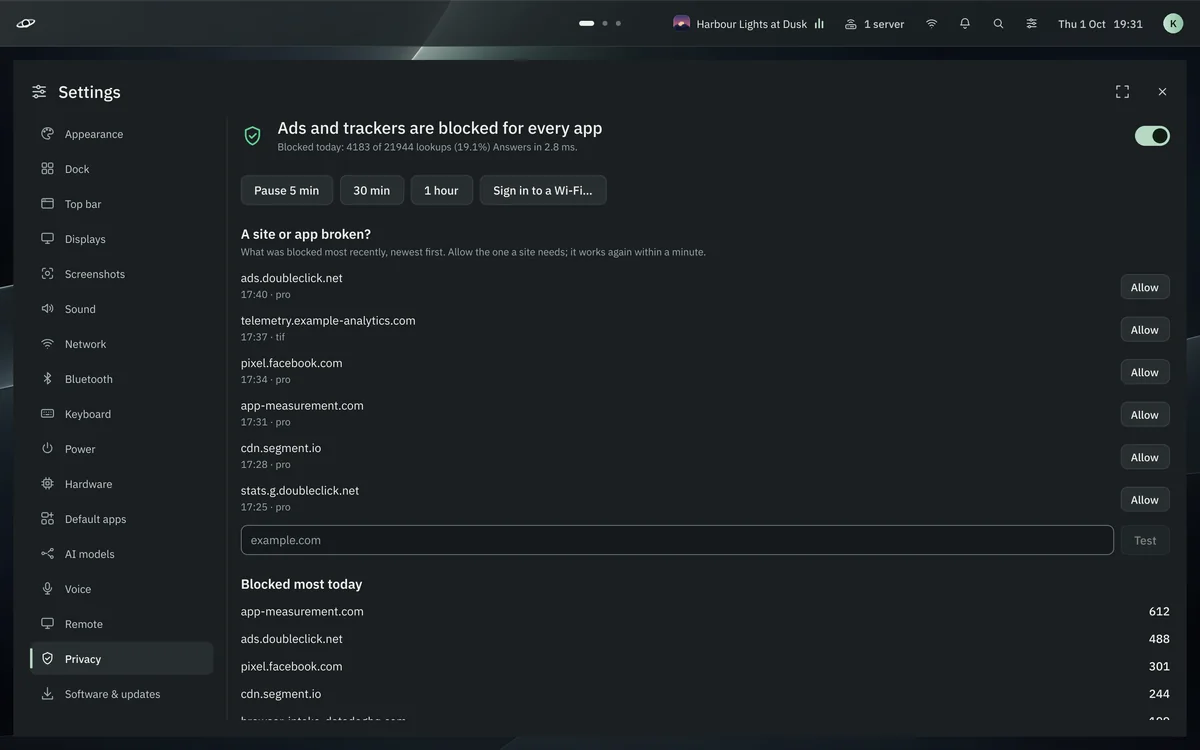
No ads in any app
A blocker for every app on the computer, not just the browser, that steps aside for captive portals and never leaves you offline.
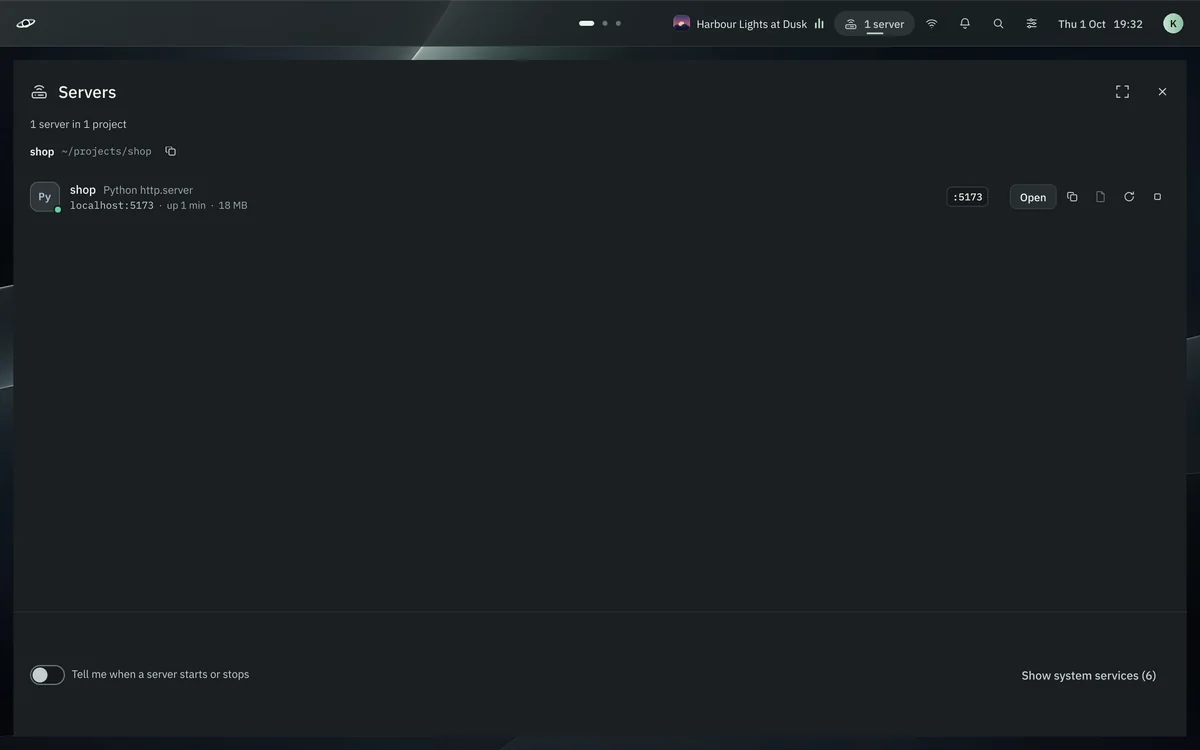
Every dev server, by project
What's listening, who started it and who can reach it. Open, restart or stop it from the bar.
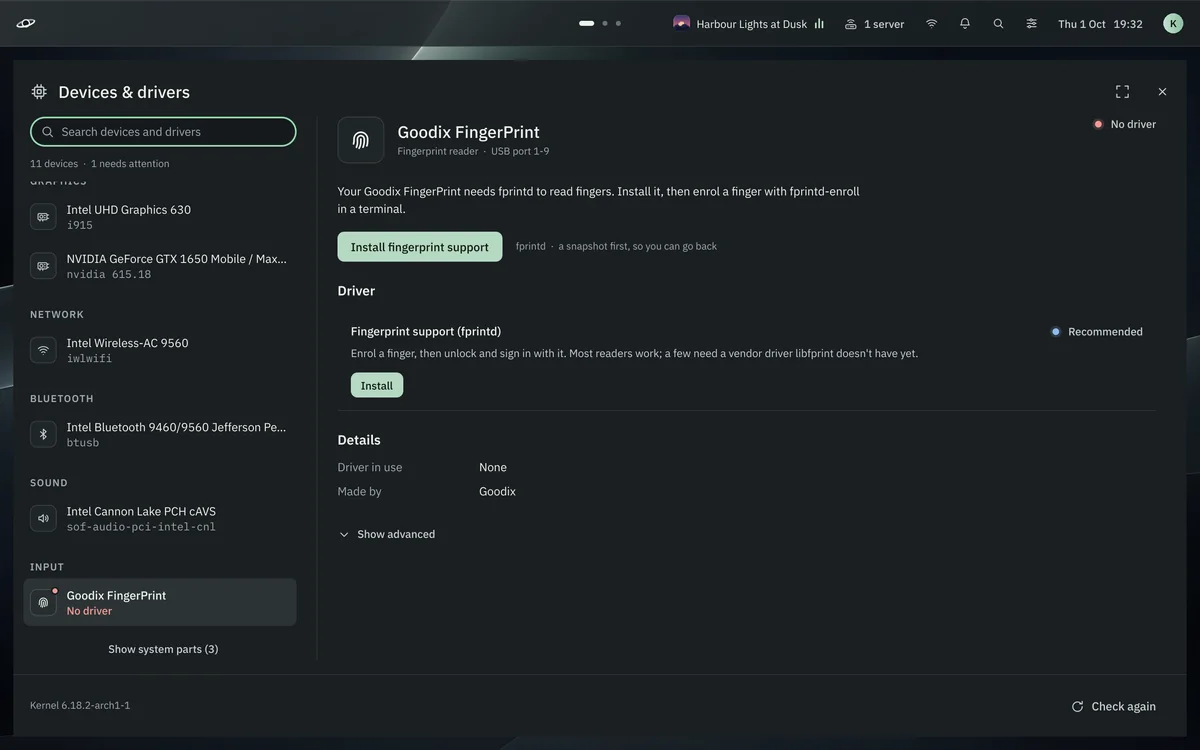
Drivers in plain words
Every device, whether it works fully, and the one thing to do if it doesn't. A snapshot first, always.
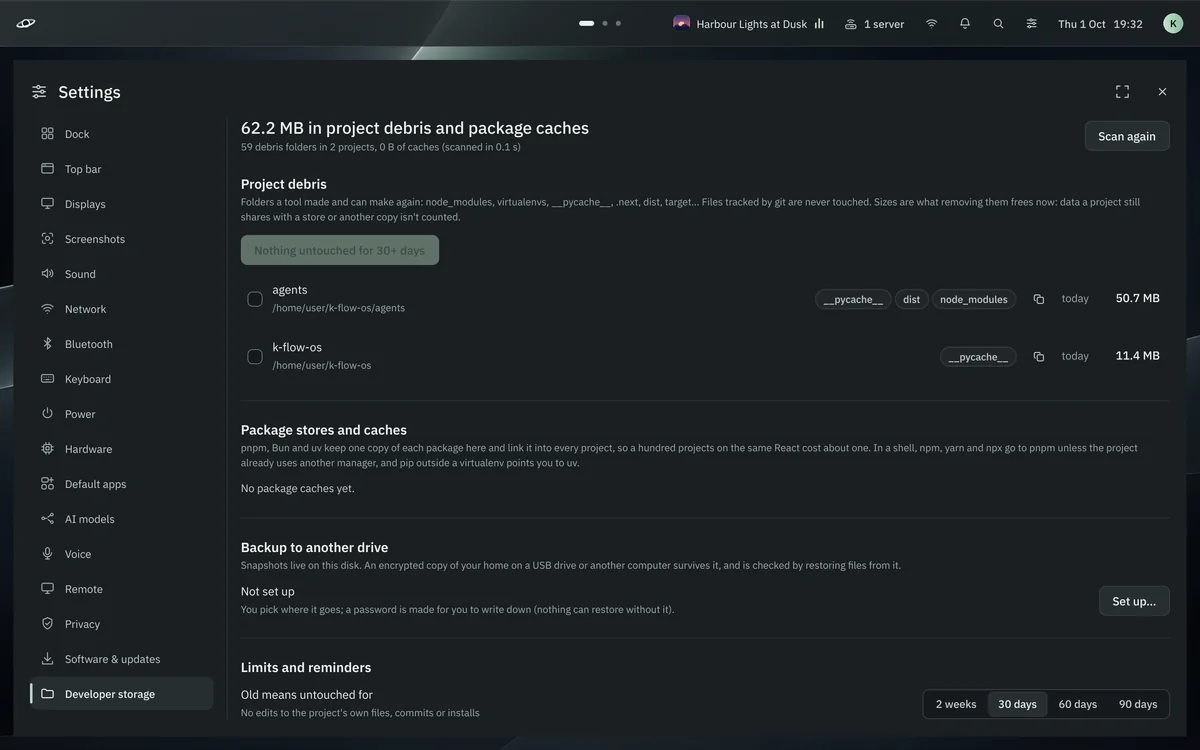
Your disk, back from node_modules
Old build folders and caches found by what they are, never by name alone. Git-tracked files are never touched.
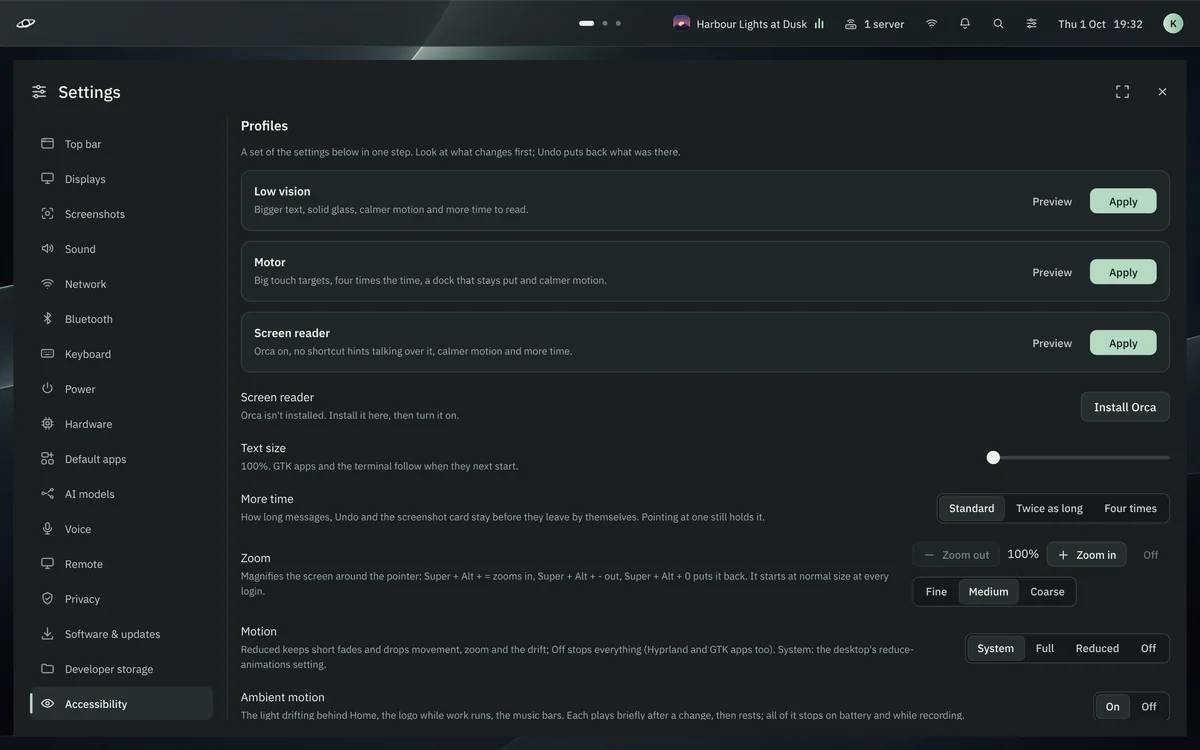
For everyone
Large text that reflows, more time for everything, a magnifier, profiles for low vision, motor and screen-reader use.
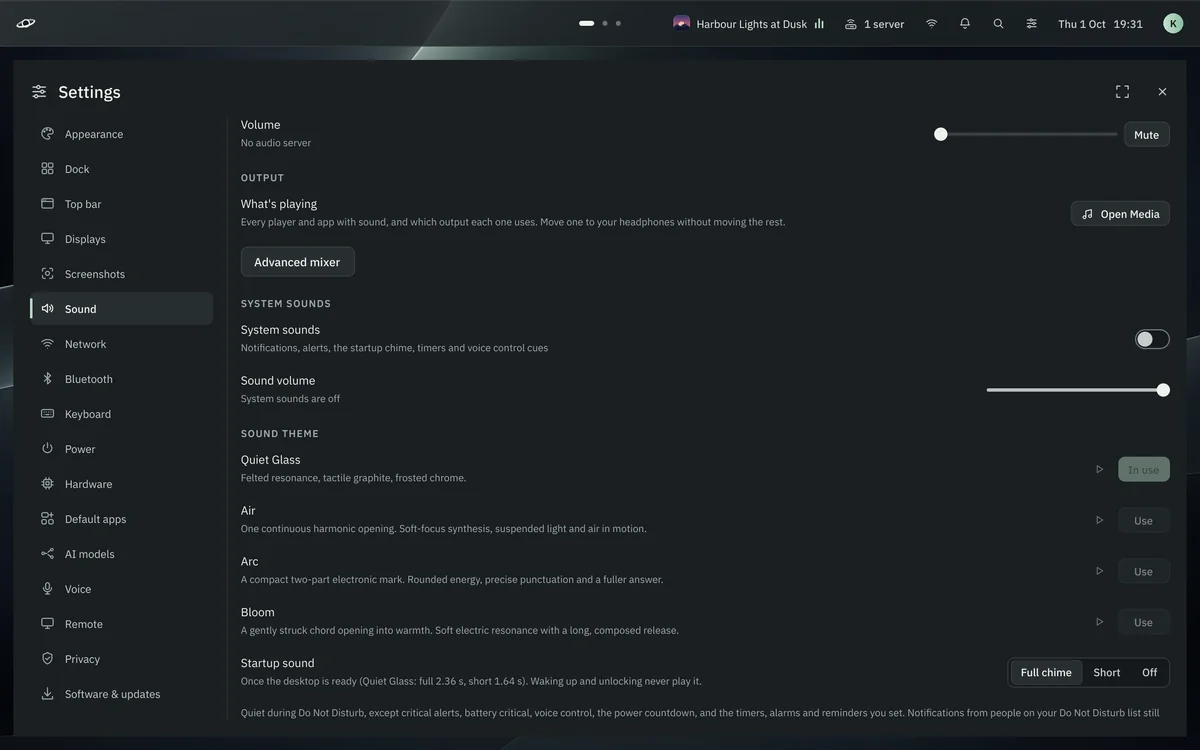
Four sound themes made for it
Quiet Glass, Air, Arc and Bloom. Two voices at most, rate limits per event, quiet in Do not disturb.
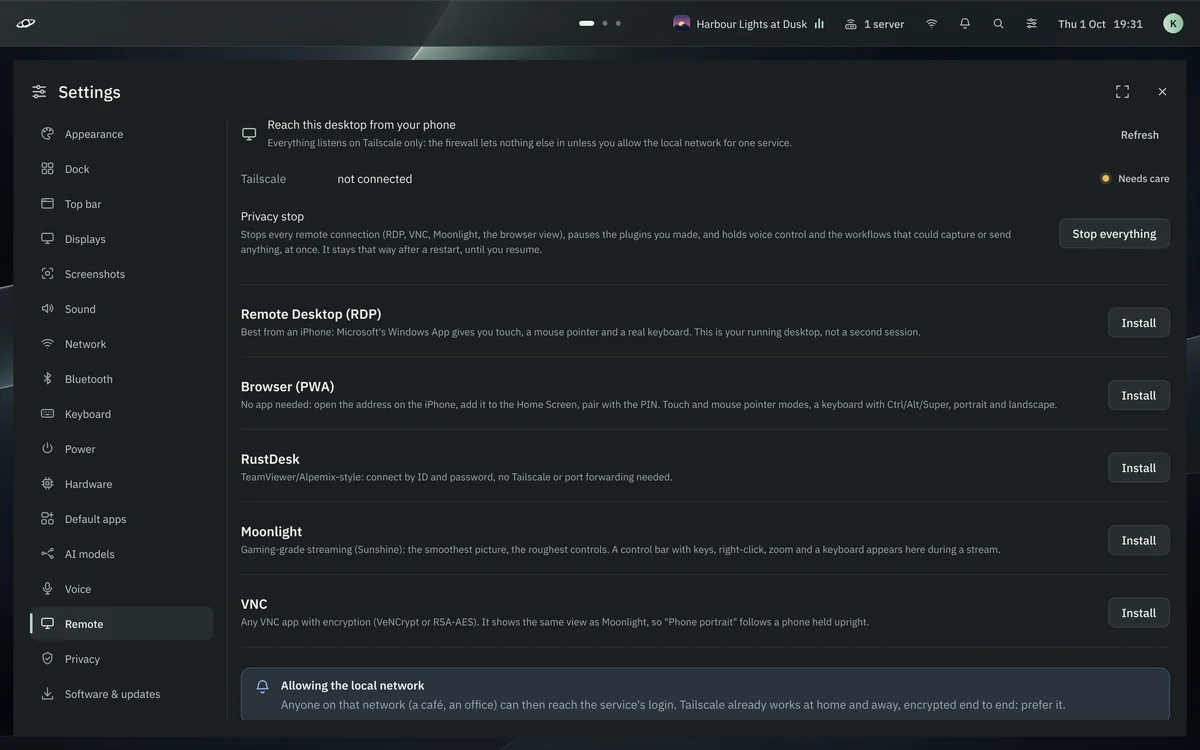
Your desktop on your phone
Remote Desktop, Moonlight, RustDesk, VNC, or the browser view over Tailscale. One switch stops them all.
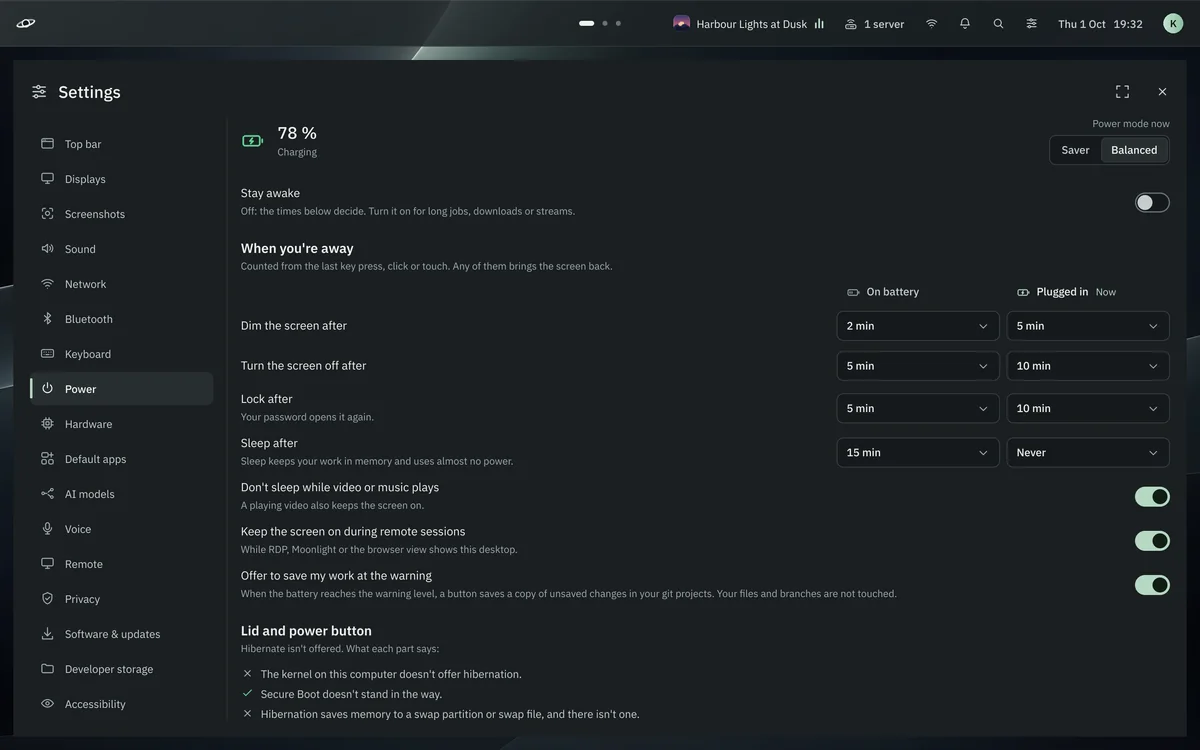
Power that knows what you're doing
Dim, lock and sleep per battery and charger; never asleep under music or a stream; a charge limit for the battery.
1endpoint for every model you use
23Super shortcuts, one hold away
14ready-made plugins to start from
4sound themes made for it
Settings
Every switch in one place. Every word plain.
Appearance. Seven accents or any colour, checked for contrast before it's used.
Voice. Hold or tap, local or online, how sure it must be to act alone.
Dock. Position, size, magnification, folders, pages, what sits at its ends.
Keyboard. Layouts, input methods, the shortcut map, Mac-style keys if you like them.
Software. The package lists, readable; a snapshot before anything installs.
Three ways in
Start small. Grow into full.
Each tier is a set of plain package lists you can read. Pick one when you install; the Software app adds anything else later.
Lite
--tier lite
Headless: servers, VMs, a spare box you reach over SSH or Tailscale.
AWS, Azure and Google Cloud CLIs; perf, valgrind, bpftrace
Nix and devbox, llama.cpp, PyTorch, LM Studio, Sunshine
Install
Boot it live. Then install.
The ISO is the real desktop. Try it, then press Install k-hole: btrfs with bootable snapshots, optional disk encryption, about ten minutes and no internet needed.
Build the ISO
On any Linux with Docker or Podman: about 15 GB free and 30 to 50 minutes.
$ git clone https://github.com/ka2ny/k-flow-os k-hole
$ cd k-hole
$ scripts/build-iso-docker.sh   # the ISO lands in ./out
In a VM, scripts/khole-vm out/khole-*.iso sets up UEFI, virtio and 3D for you.
On an Arch or CachyOS you already have
Keeps your install and adds k-hole on top, as a pacman package.
$ git clone https://github.com/ka2ny/k-flow-os k-hole
$ cd k-hole
$ ./install.sh --tier standard
Add --dry-run to see every step and command first.
Private developmentk-hole isn't public yet, and the repository is private. Download links will be here with the first public release.